My Modules and App Launcher
After a user with the Admin role configures Unified Login to connect Kaseya modules to KaseyaOne, all users in the company account will be able to launch each of the modules they have a user account for and have been granted access to in KaseyaOne.
NOTE Module access in KaseyaOne is controlled by groups, which are configured by users with the Admin role. Refer to Managing KaseyaOne groups. If you do not see your module, refer to Troubleshoot why your module isn't displaying or Unified Login is not working for next steps.
The modules a user has access to are visible in the following locations:
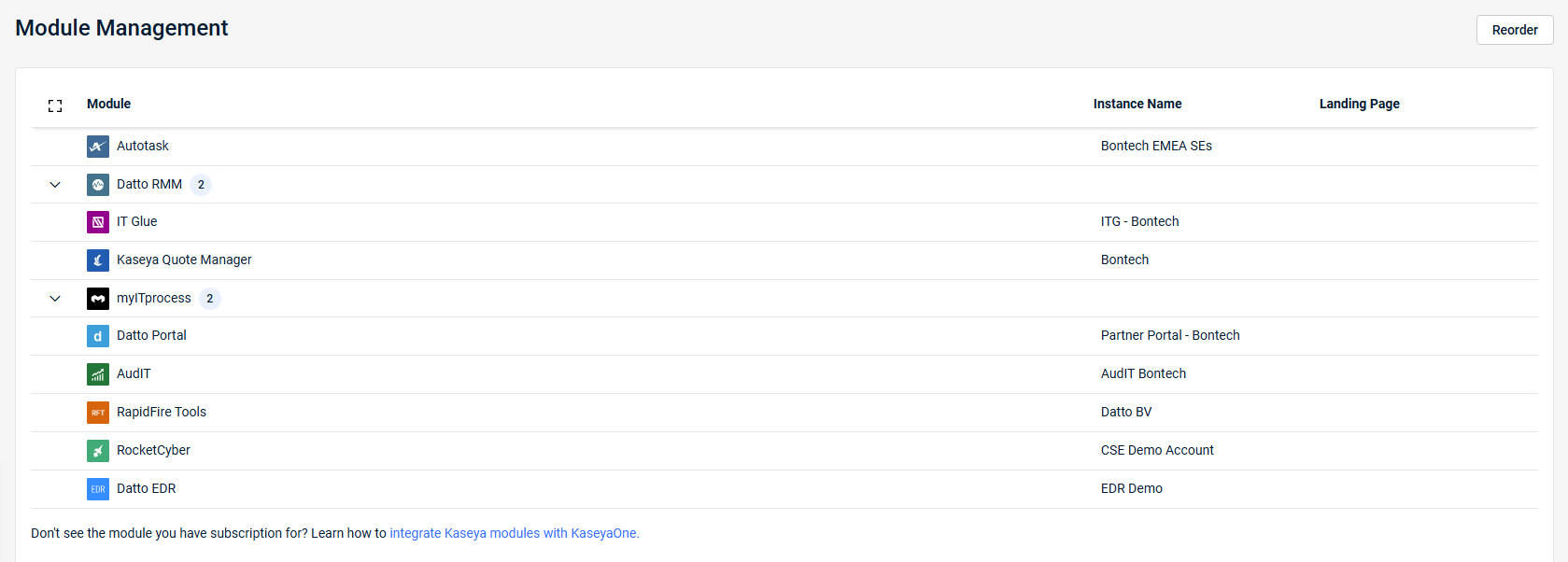
- On the Module Management page within My Settings. Refer to Module Management in Configuring your user account settings.
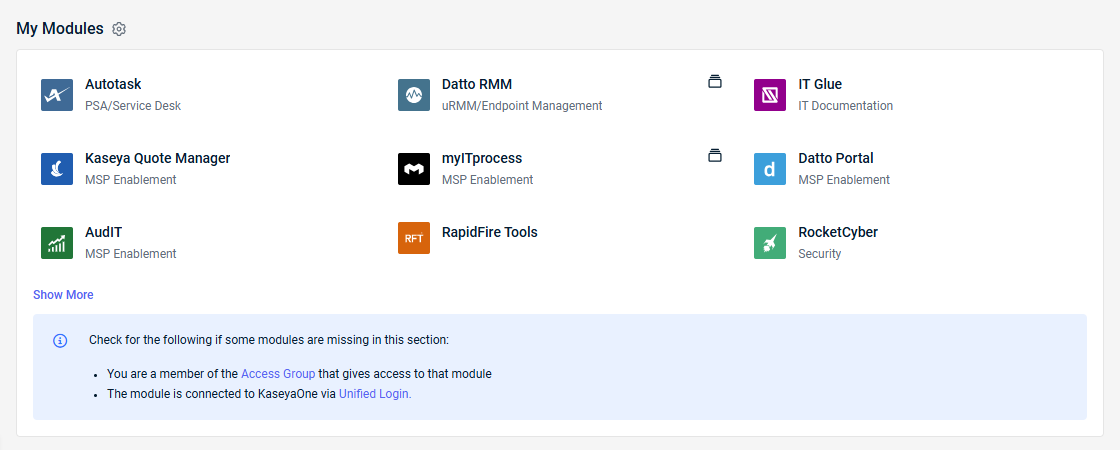
- In the My Modules widget on the KaseyaOne home page dashboard. Refer to My Modules widget in Navigating KaseyaOne.
- In the App Launcher in the KaseyaOne header. Refer to App Launcher in Navigating KaseyaOne.
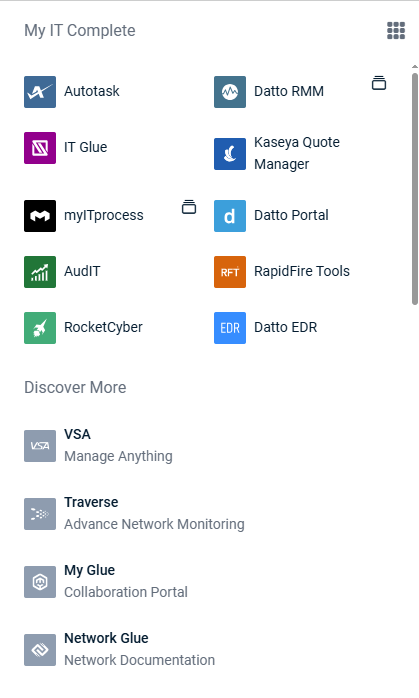
- In the App Launcher in the header of the module itself, provided a user has logged in to the module through Log In with KaseyaOne.
Launching a module from the My Modules widget or App Launcher in KaseyaOne is seamless.
To manage how your modules appear in your user account, refer to Module Management in Configuring your user account settings.


