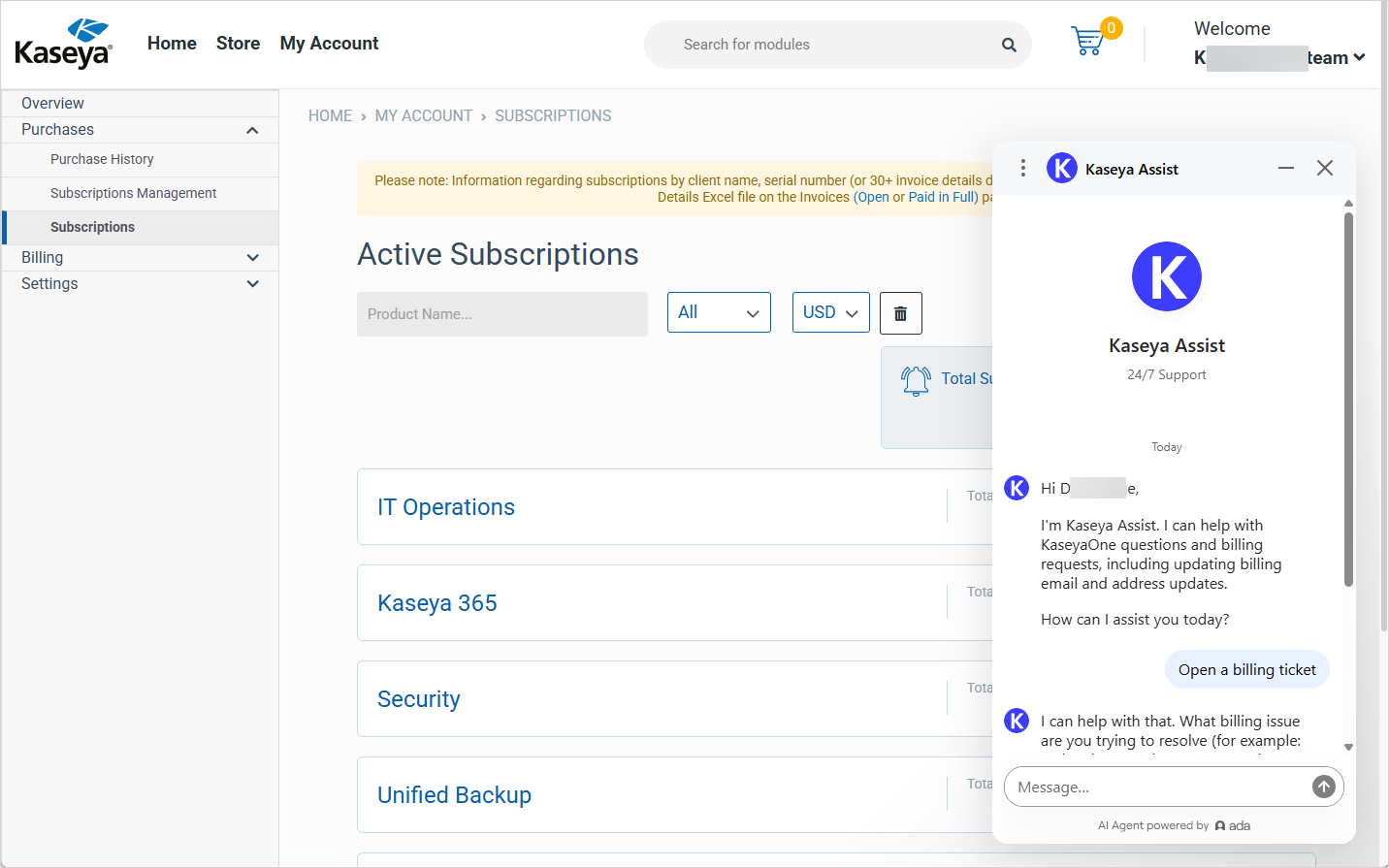
Submit a billing ticket
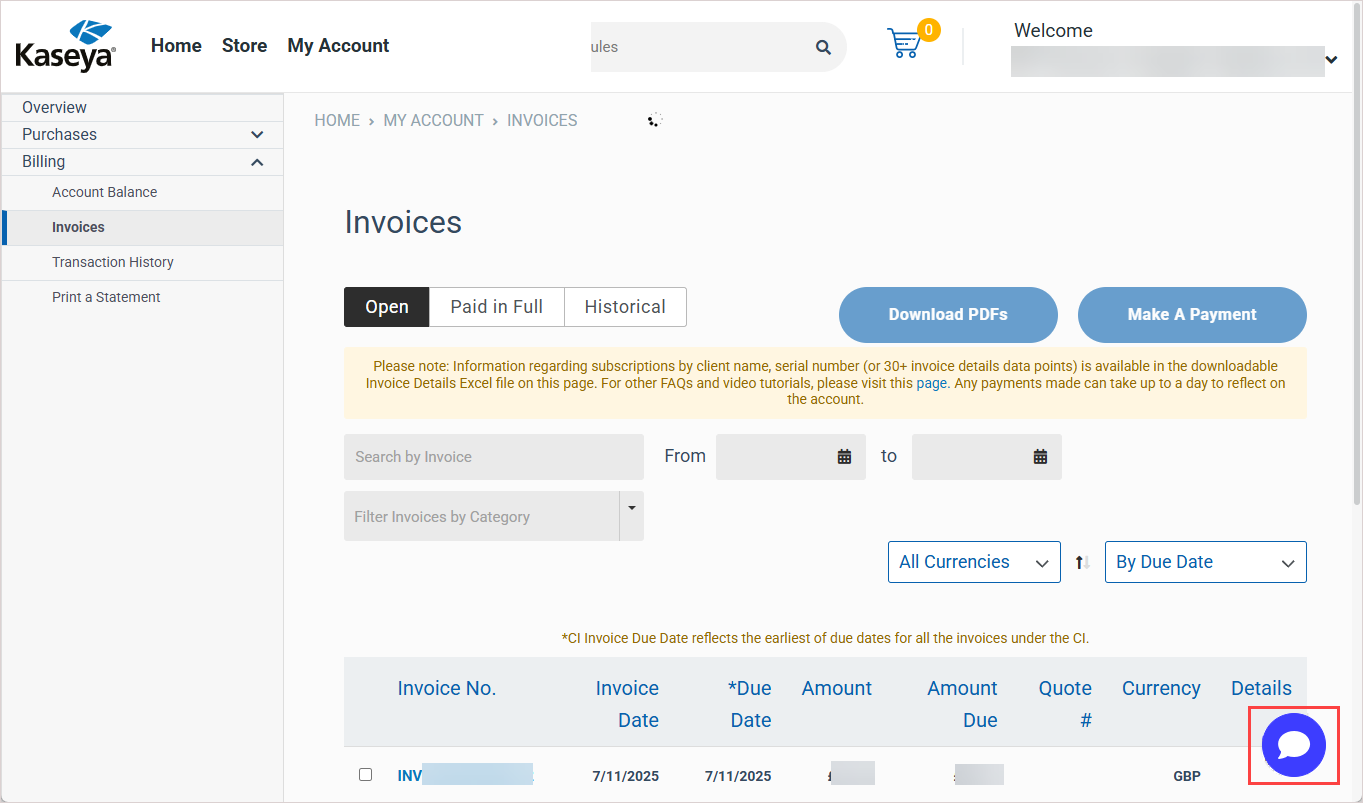
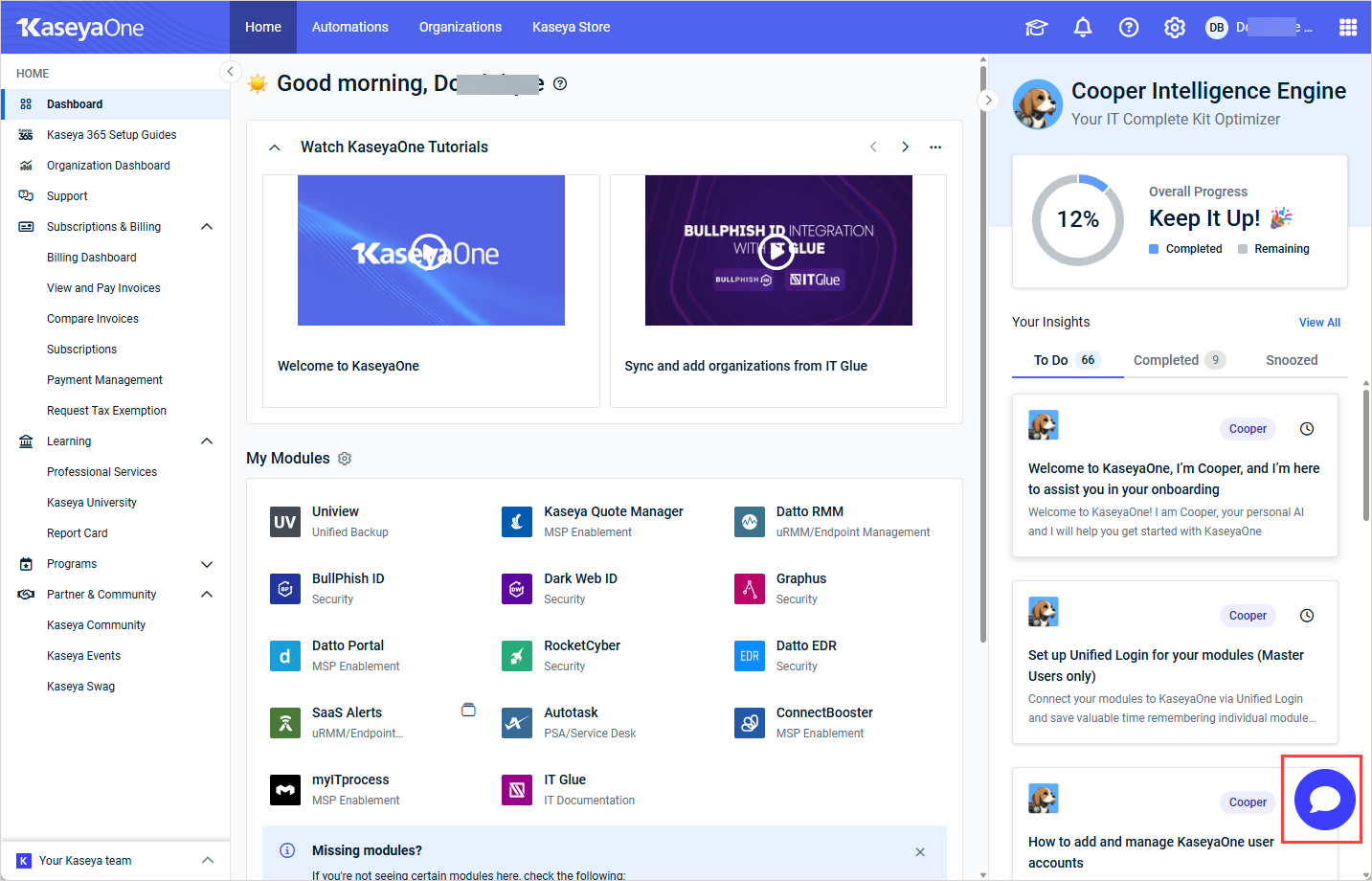
To submit a billing ticket, launch Kaseya Assist by clicking the chat icon in the lower-right corner of any page in KaseyaOne or Kaseya Store.
Next, ask Kaseya Assist to open a billing ticket. Kaseya Assist will ask questions to obtain the information needed and submit a ticket. Once submitted, a member of the Billing team will review it and follow up with you directly.