Onboarding your modules
Each module in your subscription has in-product walkthroughs to support your self-guided onboarding. The onboarding tour launches automatically when you access the module for the first time.
Within any module, you can access step-by-step onboarding any time from the Tasks tab of your onboarding menu. The Tasks tab is available through the help icon or the graduation cap icon, depending on the module:
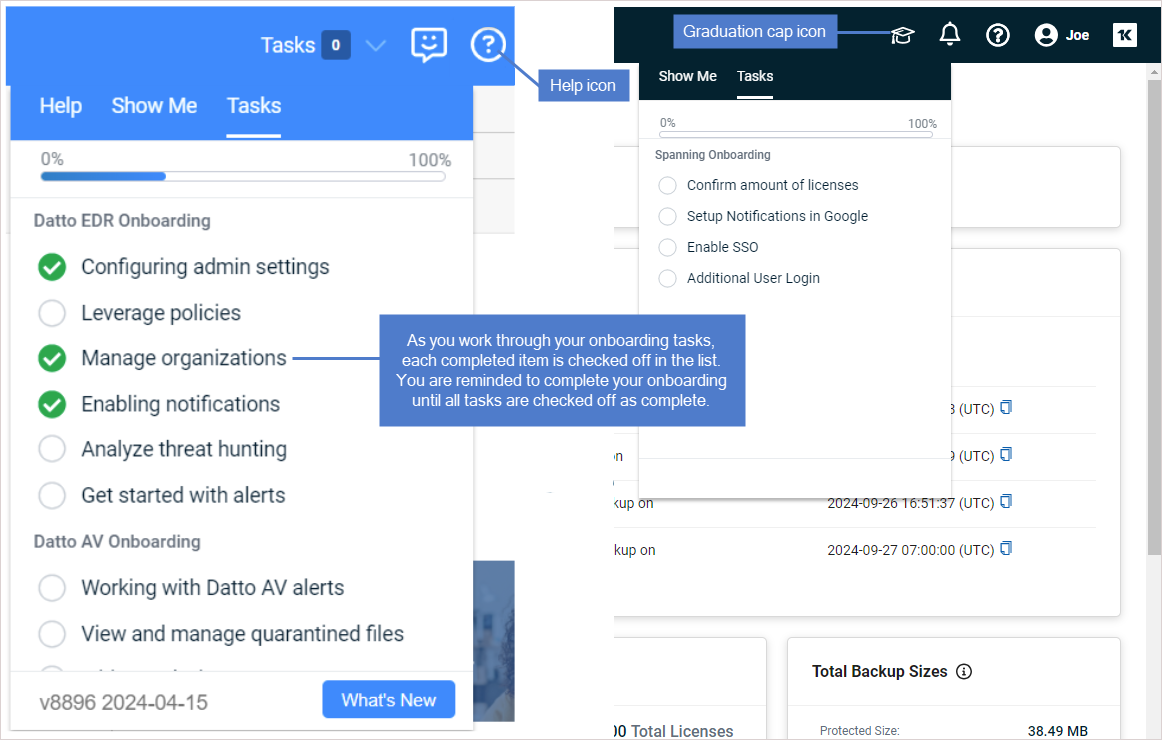
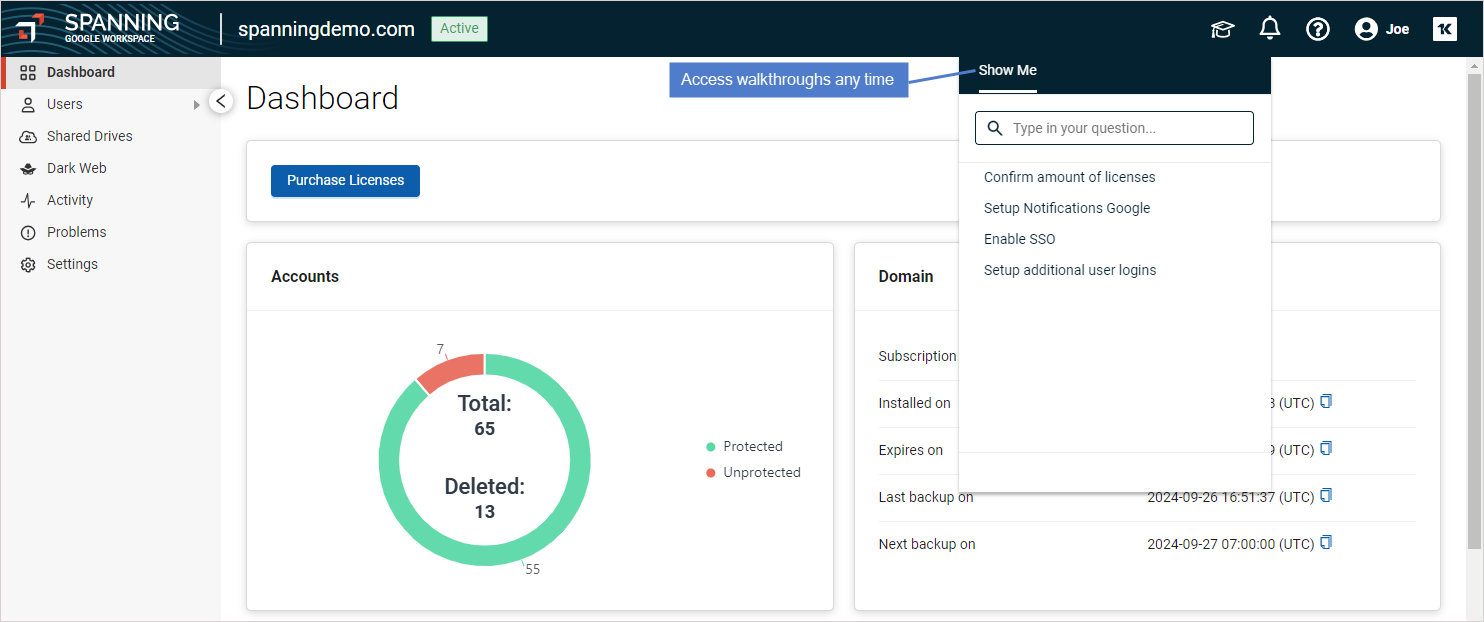
After you finish (100% complete) all your onboarding tours, the Tasks tab is removed after 90 days. To replay the self-guided onboarding, go to the Show me tab of your onboarding menu:
Onboard your modules
Ready to start onboarding your modules? Click your subscription here:



