Open a support ticket
 Security and navigation
NAVIGATION Home > Support
PERMISSIONS All roles
To create a new support ticket, do the following:
- Navigate to the Support page in KaseyaOne and click Get Help.

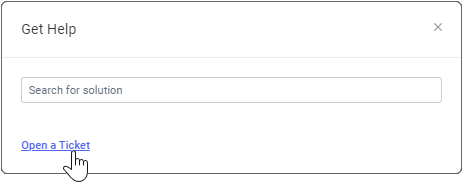
- In the dialog that opens, click Open a Ticket.
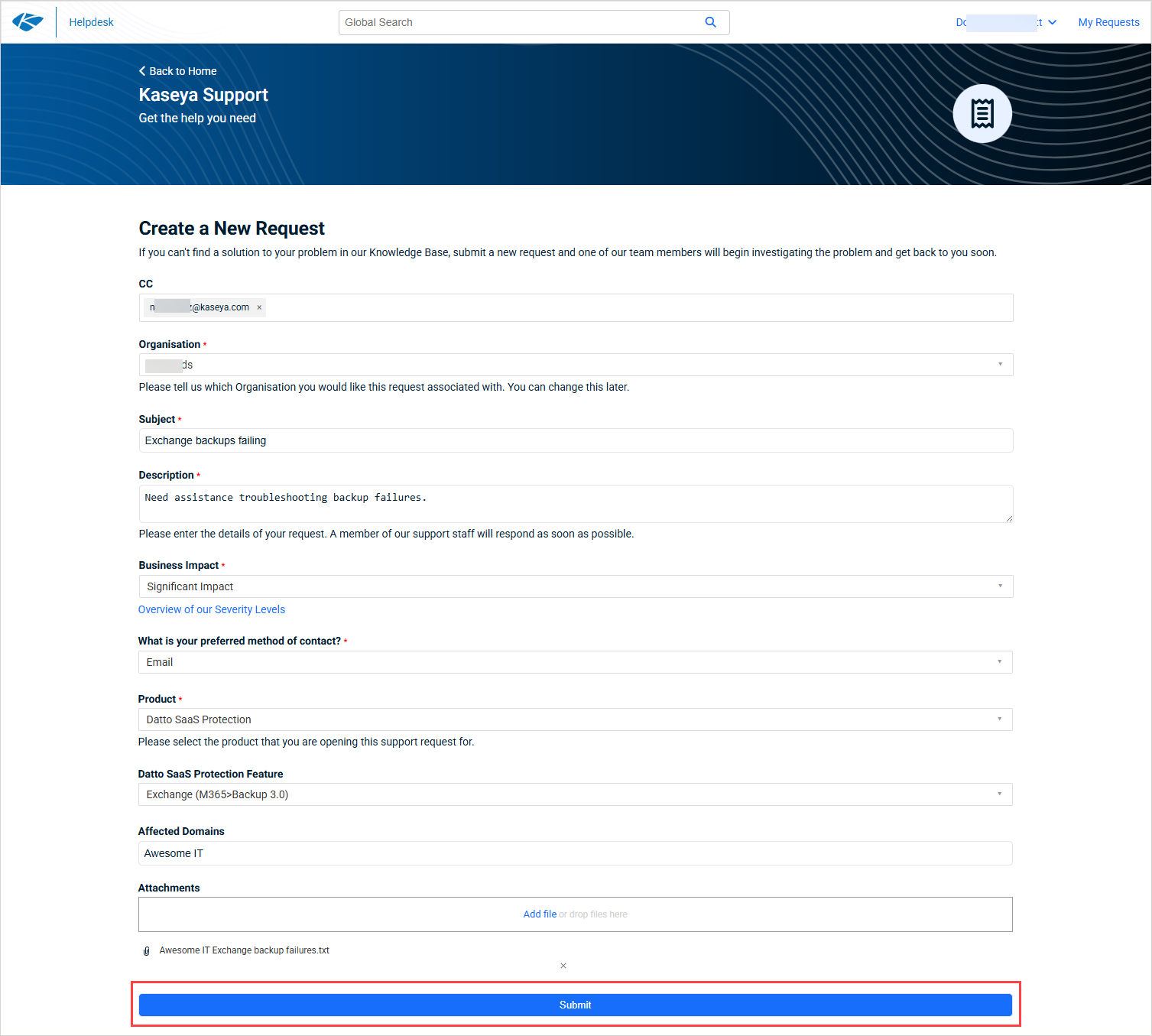
- On the New Support Request page that opens in Kaseya Helpdesk, enter information as applicable, then click Submit to create the support ticket.
NOTES
- Be sure to CC your account manager on all of your support tickets. If it's a time-sensitive request, they can assist with escalating the issue.
- If you are a Standard support member, Kaseya Assist launches to help you create the ticket (you do not see the New Support Request page).