How do I reset my KaseyaOne password?
If you've forgotten your password, use this procedure to reset it:
NOTE If needed, a KaseyaOne Admin can also reset a user's password. Refer to Reset a user's password or 2FA.
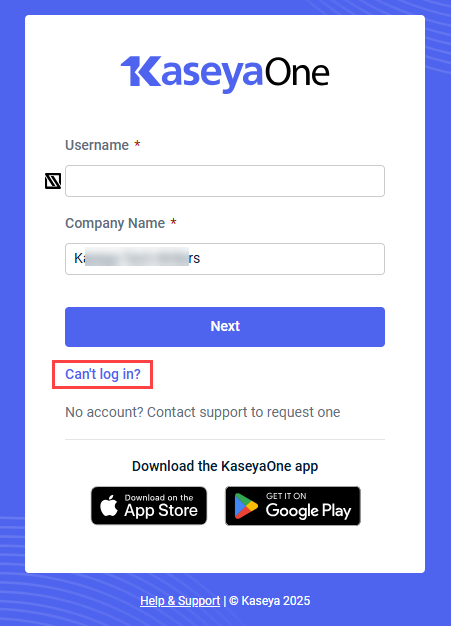
- On the KaseyaOne log in page, click Can't Log In?
- Select Forgot password.
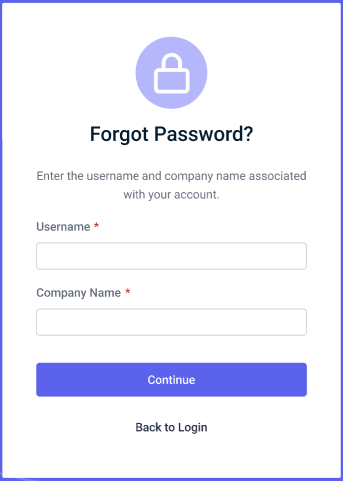
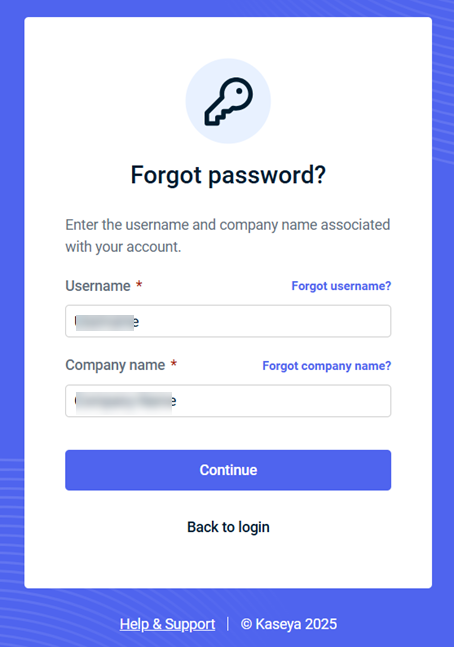
- Enter the Username and Company name associated with your account and then click Continue.
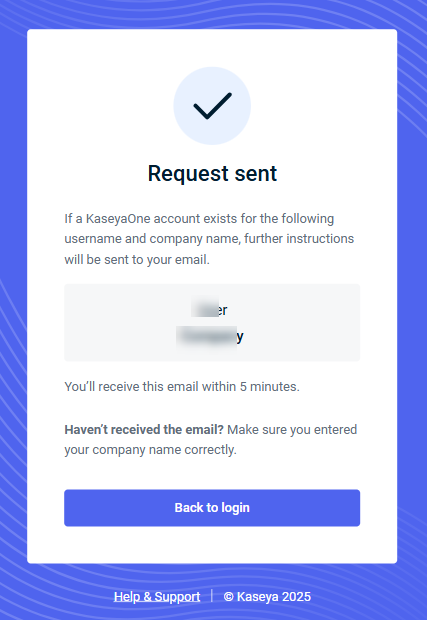
- You will receive an email with further instructions if there is an account associated with your email and company name.
NOTES
You should receive the password reset email in a few minutes. If you did not receive it:
-
Ensure that it did not get caught in your spam filter/junk folder or automatically get moved to a folder by a rule.
-
Make sure you entered your company name correctly when submitting the password reset request. To retrieve your company name, see What is my company name?


