Recovering your KaseyaOne login credentials
If you forget your credentials when logging in to KaseyaOne, you can request them from the login page. Simply click the Can't Log In? link and select Forgot username, Forgot company name, or Forgot password. For details, see the following topics:
 Request username from login page
- On the KaseyaOne login page, click Can't Log In?
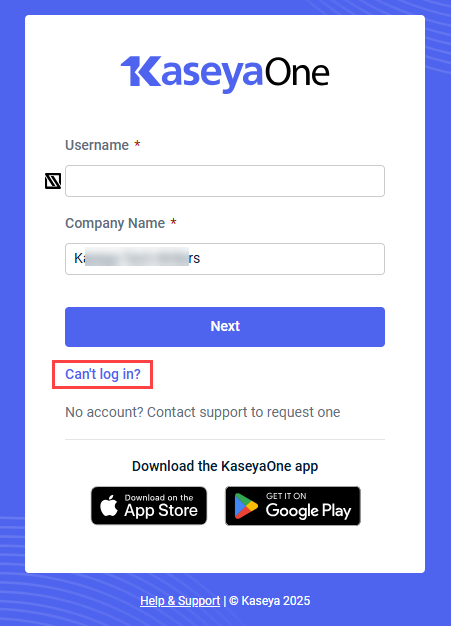
- Select Forgot username.
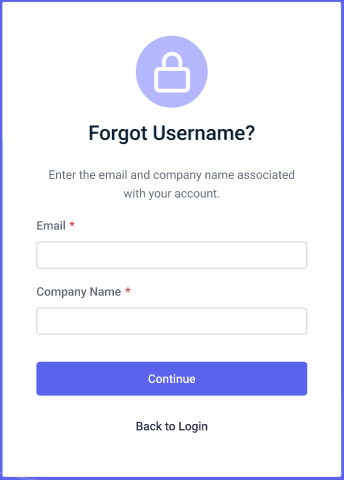
- Enter the Email and Company name associated with your account and then click Continue.
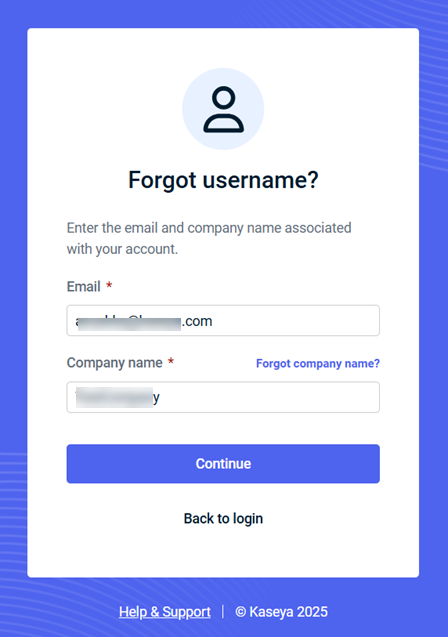
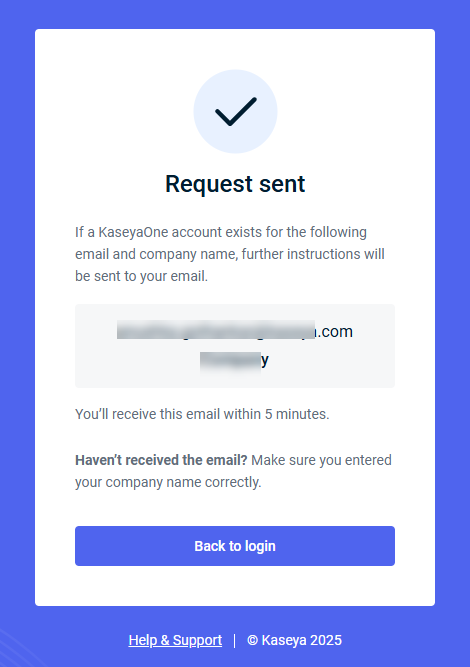
- You will receive an email with further instructions if there is an account associated with your email and company name.
Request company name from login page
- On the KaseyaOne log in page, click Can't Log In?
- Select Forgot company name.
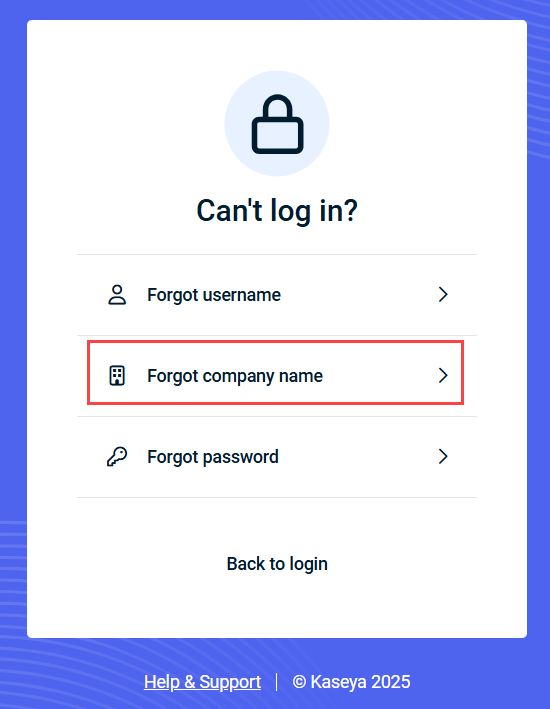
- Enter the Email associated with your account and then click Continue.
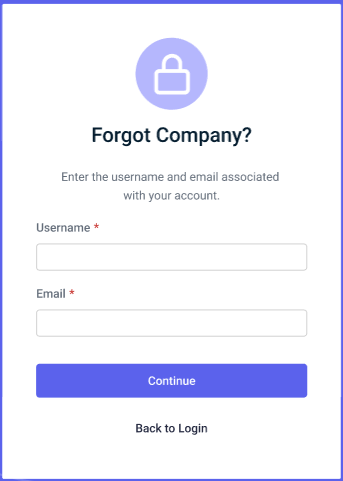
- You will receive an email with further instructions if there is an account associated with your email.
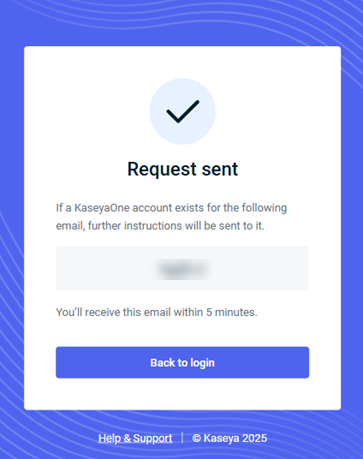
Request password from login page
- On the KaseyaOne log in page, click Can't Log In?
- Select Forgot password.
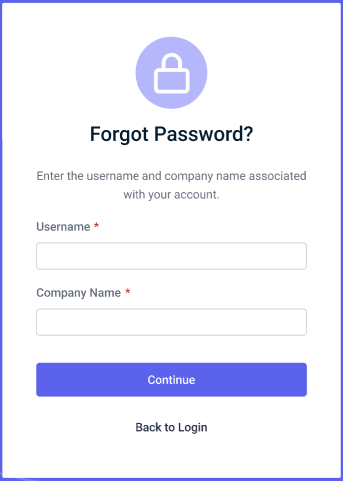
- Enter the Username and Company name associated with your account and then click Continue.
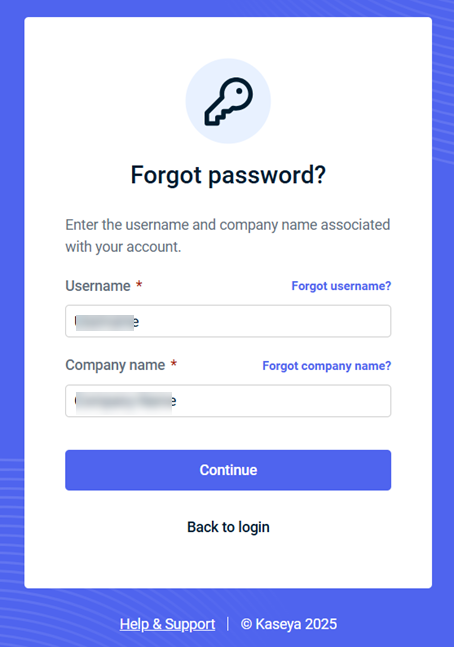
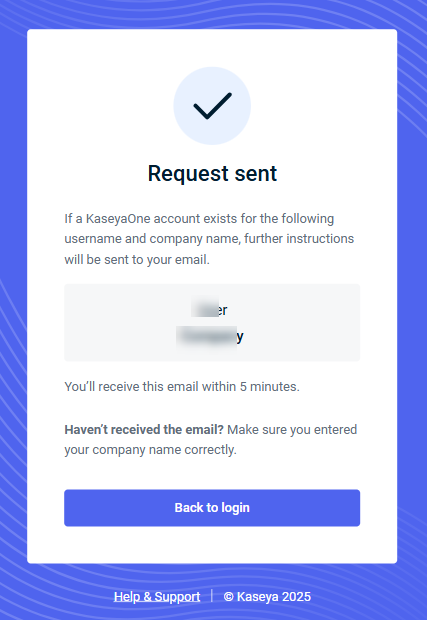
- You will receive an email with further instructions if there is an account associated with your email and company name.
NOTES
You should receive the password reset email in a few minutes. If you did not receive it:
-
Ensure that it did not get caught in your spam filter/junk folder or automatically get moved to a folder by a rule.
-
Make sure you entered your company name correctly when submitting the password reset request. To retrieve your company name, see What is my company name?


